Changes Coming to Diagnostic Toolkit with the Next Release
The desktop icon for Diagnostic Toolkit (DTK) will be changing with the next DTK release. The icon currently looks like
this:
After the release and an update being installed on the computer, the icon will no longer say Guidanz but will now say Diagnostic
Toolkit. An example of the new icon is below:
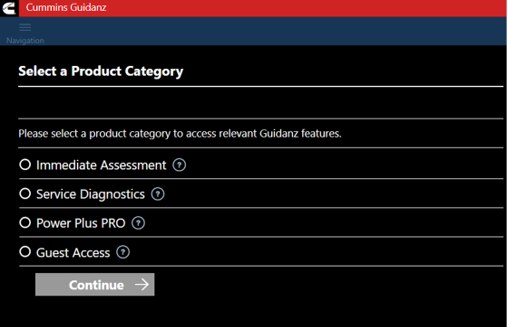
Along with the icon change, the next release also includes a change to the way a DTK job is started. Before connecting to
the product, the user will need to select the DTK subscription they are using. The users will only see subscriptions they
have access to (provisioned). After selecting the subscription, click Continue, and the user will be able to connect to the
product.